
Corner-hit animation
Bouncing DVD Logo Online
Watch the classic bouncing logo animation, tune the speed and size, and keep score when the logo finally lands in the corner.
Corner hits: 0
Running
Customize logo and colors Text, upload, color, background
Fullscreen first
The animation starts immediately and can fill a TV, laptop, or second monitor without installing a screensaver file.
Corner hit counter
A corner hit counts only when the logo touches a horizontal edge and a vertical edge in the same bounce.
Customizable
Change text, speed, size, colors, and background. A local upload stays in your browser and is not sent to a server.
Display-friendly motion
A moving logo is easier on a panel than a stuck image, but OLED users should still keep brightness moderate on long idle sessions.
How to watch the bouncing DVD logo
- 1
Watch the bouncing DVD logo
The logo starts in the preview. Do not wait for a download; the loop is already running in the browser.
- 2
Go fullscreen so corners are real screen corners
A corner only counts against the edges of the current stage. Fullscreen makes those edges match the physical panel.
- 3
Read the corner hit counter
Leave speed and size where they are, or change them and reset. The counter increases only when the mark touches two edges in one bounce.
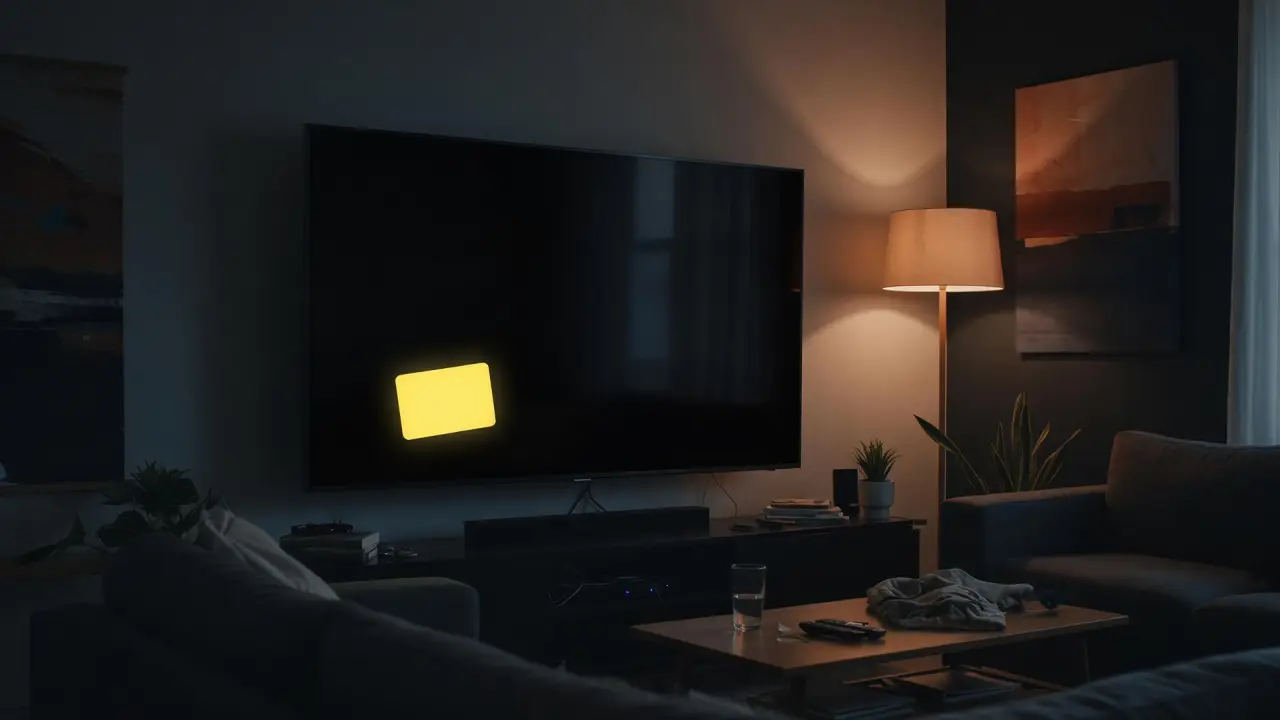
What is the bouncing DVD logo?
The bouncing DVD logo is the same idle animation as a classic player screensaver, watched as a small event: will the mark land exactly in a corner. People search bouncing DVD logo, bouncing DVD, and DVD logo bouncing when they want that loop on a laptop, TV, or second screen, with a way to notice the rare perfect hit.
This tool keeps the motion in front. It is a browser animation, not a console game and not a GIF factory. You can change speed and size, pause, reset, and keep a running corner count. If you only need a quiet idle field with no interest in corners, the DVD screensaver page is the calmer URL.
Does the bouncing DVD logo ever hit the corner?
Yes. It does hit a corner, but not on a timer you can feel in a few seconds. A corner hit is geometry, not a hidden Easter egg that the page unlocks after a score. The logo reflects when it reaches an edge. If a horizontal bounce and a vertical bounce happen together, the mark is in a corner and the counter moves.
That is why “does the DVD logo ever hit the corner” is a real question with a boring answer: eventually, if you leave it running, with a rate that depends on speed, logo size, and the aspect ratio of the stage. Fullscreen on a wide TV is a different box than a small laptop preview, so the path will not hit corners at the same pace in both.
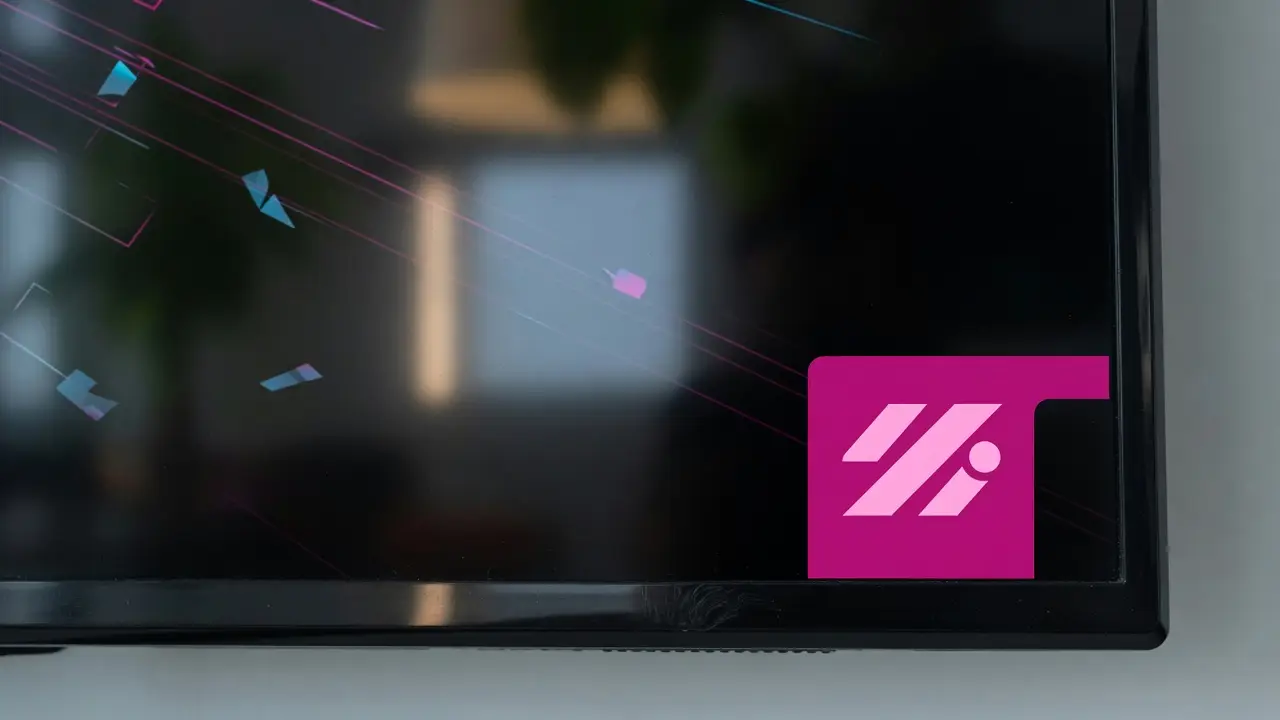
How the corner hit counter works
The counter on this page increases only when the logo touches a left or right edge and a top or bottom edge during the same bounce. Sliding along one edge is not a corner. Looking close with your eyes but missing a pixel of overlap is also not a corner; trust the counter if you are keeping score.
Reset clears the count and places the mark at a new start point. Pause freezes the frame so you can screenshot a near-miss. Changing logo size after a run changes the collision box, which changes future hits. The counter does not predict the next corner; it only records hits that already happened.
- Two edges in the same bounce
- Preview corners are not TV corners until fullscreen
- Reset starts a new count
- Size changes the hit box
Speed, size, and how often corners happen
Faster motion makes bounces more frequent, but it does not guarantee more corners. A very large logo has fewer places it can sit, so it can catch corners more often or feel clumsy on a small phone. A tiny logo on a huge TV can wander for a long time between hits.
If you are watching for a hit, pick a comfortable speed, fullscreen, and leave the loop alone. Constantly dragging the sliders resets the “feel” of the path even when the count stays. Treat the controls as setup, then watch.
Bouncing DVD logo vs DVD screensaver
Both pages share the same bouncing engine. This URL is for corner curiosity, counting, and the “will it hit” loop. The DVD screensaver URL is for idle TVs, online vs download questions, and leaving a display on without staring at the counter.
Use this page when the search was bouncing DVD logo or DVD logo bouncing. Use the screensaver page when the search was DVD screensaver or DVD screen saver. Use the custom page when the search was maker, generator, or custom image.
Game, GIF, and generator searches
A game-style search usually wants a toy: wait, cheer when it hits, maybe compete with a friend on the same counter. This page supports that as a spectator loop. It does not have levels, lives, or a leaderboard.
A GIF or generator search often wants a file or an image upload. This page will not export a GIF. For a custom mark, open the custom DVD screensaver. For a clip, record the fullscreen loop with a screen recorder.
Bouncing DVD logo FAQ
What is the bouncing DVD logo?
It is the classic screensaver-style animation where a logo moves around the display, bounces off each edge, and occasionally lands in a corner.
Does the bouncing DVD logo ever hit the corner?
Yes. It hits a corner when it touches a horizontal edge and a vertical edge in the same bounce. It is uncommon in a short watch, but the counter records it when it happens.
How do you count a bouncing DVD logo corner hit?
This page counts a hit only when both axes reverse together. Sitting near a corner or sliding along one edge does not add to the counter.
Can I make the logo move faster?
Yes. Use the speed slider. Faster motion changes bounce timing; it does not skip the geometry that creates a corner hit.
Can I change the logo size?
Yes. The size slider changes how large the mark is and how it fits inside the screen, which changes how corners occur.
Is this a bouncing DVD logo game?
It is a spectator loop with a corner counter, not a game with scores to submit, levels, or enemies.
Can I download a bouncing DVD logo GIF?
No. The animation runs live in the browser. Record the window if you need a GIF or video clip.
Does this work on mobile?
Yes. It runs in mobile browsers. Fullscreen support depends on the browser and OS, but the bounce still runs in the preview.
Can I put my own image on the logo?
Yes. Use Customize, or open the custom DVD screensaver page. The file stays in the browser and is not uploaded to a server.
Is this the official bouncing DVD logo?
No. It is an independent browser recreation of a familiar idle animation and is not affiliated with DVD trademark owners.
Why does the logo change color?
The color changes after a bounce, which is part of the classic look. You can lock a single color or use random color in the customize panel.
