



What a fake Windows 11 update screen actually does
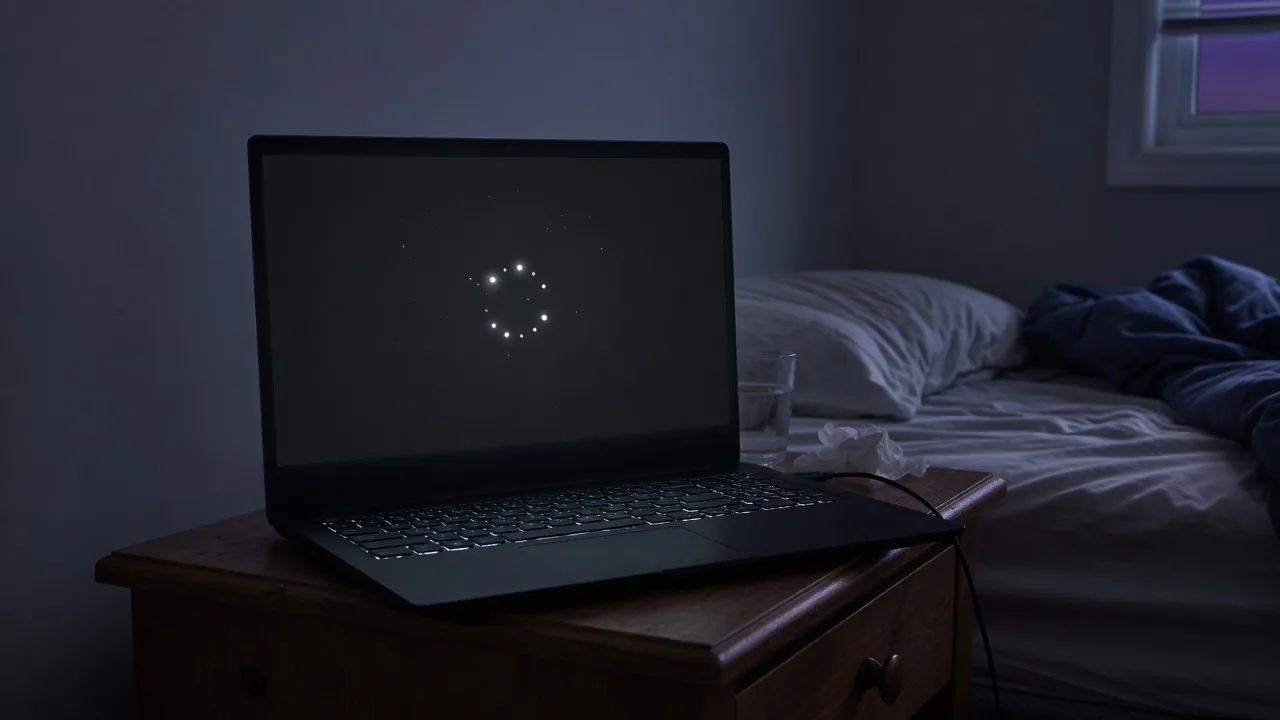
Windows 11 feature updates spend a long time on a near-black screen with a circling cluster of dots and a calm “Working on updates” line.
A fake Windows 11 update screen is that wait state, drawn in CSS, with a timer instead of TrustedInstaller. It cannot apply 24H2, flip an enablement package, or fix a PC that is genuinely stuck.
Keep this URL for Windows 11 desks.
Keep this URL for Windows 11 desks. The blue Windows 10 overlay lives at the fake Windows 10 update screen. Code-rain gags belong on Hacker Typer. Closing the tab is the whole uninstall.
How to use this fake Windows 11 update screen
- 1
Pick a duration
Set how long the percent should take to fill. Use a chip, or Custom for any number of minutes. Five minutes for a desk gag. One hour if you searched for a timer.
- 2
Optional start percent and delay
Start from sets the first percent so the gag does not always begin at 0. Five or ten seconds of delay lets you stand up before the dark overlay starts.
- 3
Start fullscreen
Press Start fullscreen. On a computer, F11 also works after the preview is focused.
- 4
Leave with Esc
Esc exits. Close the tab and the overlay is gone. Point at the address bar when you reveal it.
Duration is clock time for the remaining percent. Restart sends the counter back to the start-from percent. The dark Windows 11 field is the whole skin — there is no second theme on this URL. Use the Windows 10 page if you need the older blue.
Start delay is a countdown in this tab, not Task Scheduler. Mute notifications if you are filming. There is no siren and no fake error popup on this version.
How to run the Windows 11 fake update fullscreen
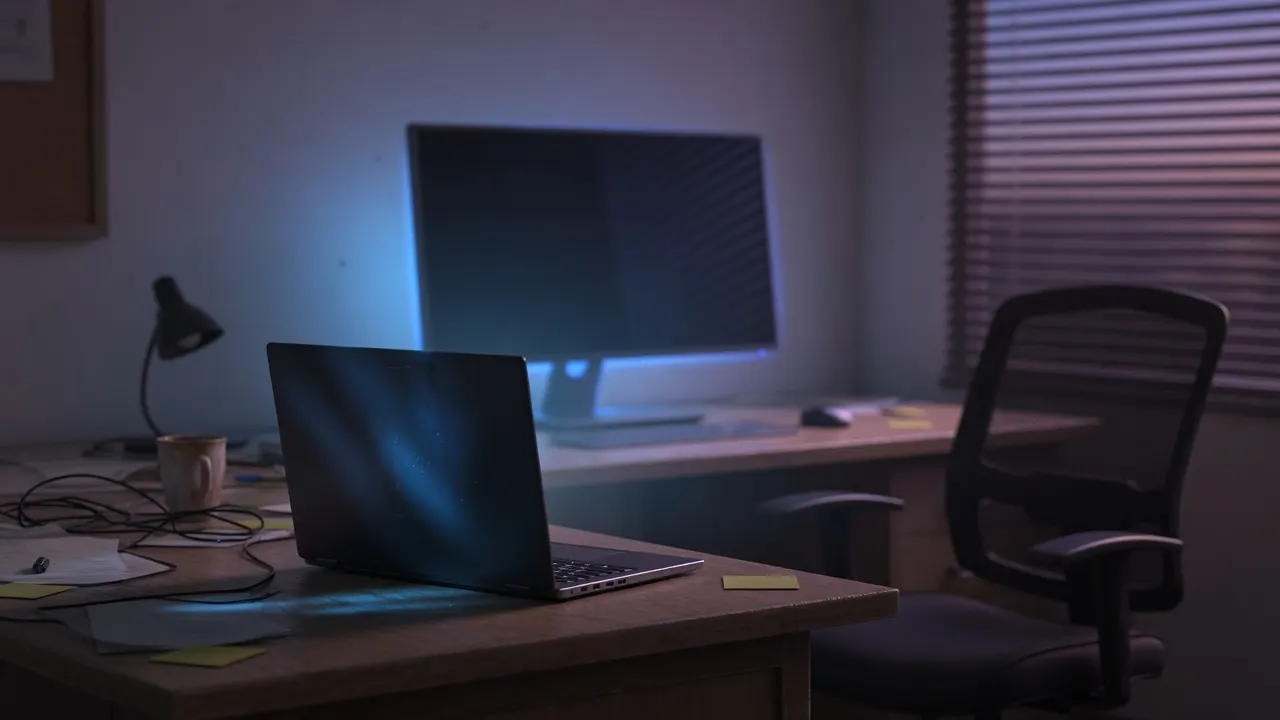
The dark field only works if the browser chrome is gone.
Start fullscreen, or F11 after focus. Phones often block native fullscreen; the page then uses a layout that still covers the viewport. Landscape hides more of the bar. A dim room makes the black read as a PC, not a website.
Esc on desktop, back on mobile.
If a glow remains after you close the tab, that is the panel. No kiosk, no extension, no “download to finish”.
Timer and the 1-hour Windows 11 hold
“Fake Windows 11 update screen with a timer” is a real query.
The chips are that timer. Custom accepts any minute count when 1 hour is not enough. Start from sets the first percent so the preview can already read 27% when someone walks in. The percent may rest at 100% so you are not stuck in a GIF loop. Start delay is only so your hands are gone when someone looks over.
There is no custom status string and no error popup on this page.
Those extras show up on one advanced generator; they also make the overlay easier to confuse with a scare site. Minutes, a start percent, and silence are the whole control set.
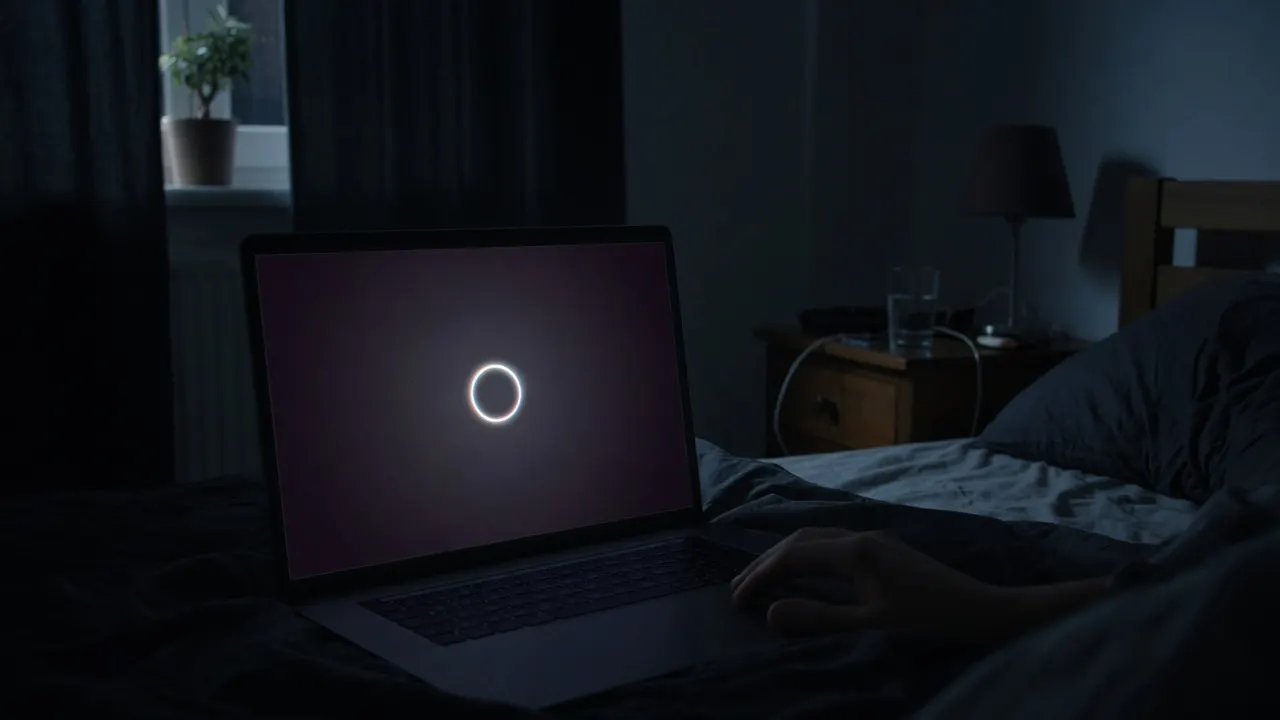
Fake Windows 11 update versus malware
News stories about fake Windows 11 updates are mostly about download buttons and ClickFix pastes, not about a silent browser overlay.
This page has no download. It never tells you to complete the update in Terminal. If you landed here from a pop-up that already went fullscreen on another domain, you are on a different site — check the host.
Teach the difference: Settings → Windows Update still works while this tab is open, because this tab is not the OS.
Kill the browser; a real update keeps going. Kill the browser; this overlay dies.
Prank, video, and teaching on Windows 11
Match the skin to the laptop.
A Windows 11 fake update on a Windows 11 device is the whole point of this URL. Keep the gag short. Do not sit on someone’s unattended machine through a real deadline. For a class, pair the overlay with a genuine update screen so students see Esc versus a reboot.
Record the window for motion.
Do not sell the clip as a leaked ISO. Do not overlay a phone number. The dark field is a prop, not a support scam kit.

What this page will not do
It will not install Windows 11, bypass TPM, or repair a PC stuck on a real update.
It will not survive closing the tab. It is not a theme, lock screen, or boot animation.
It will not speak, open extra monitors, or brand a Microsoft logo.
Custom error codes and “Just kidding” splash screens stay off so the page cannot double as a scare kit.
Display tests still need solid colors and dead pixel test .
Display tests still need solid colors and dead pixel test. This URL is only the fake Windows 11 update screen.
Frequently asked questions
What is a fake Windows 11 update screen?
A fake Windows 11 update screen is a dark browser overlay that copies the look of “Working on updates” with a percent counter. This page is that overlay. It does not run Windows Update, does not restart the PC, and does not install 24H2 or anything else.
Does this fake Windows 11 update actually upgrade the PC?
No. There is no ISO, no Installation Assistant, and no enablement package. The percent is a timer in this tab. If you need a real upgrade, use Settings on the machine, not a webpage.
Is the fake Windows 11 update screen a scam or ClickFix?
This page is a visual gag. Scam pages go fullscreen and then tell you to press Win+R, paste a command, call a number, or download an MSI. We never ask for those. Esc or close the tab. If another site does, leave it.
How do I use the fake Windows 11 update screen?
Choose a duration, optionally a start delay, then Start fullscreen. The dark overlay fills the display. Come back, press Esc, and show the address bar. Match this skin to a Windows 11 machine so the gag is not immediately wrong.
How do I make the fake Windows 11 update full screen?
Start fullscreen, or the corner control once the preview is focused. F11 works on a computer. On phones the same button uses a mobile layout because native fullscreen is often blocked.
How do I exit?
Esc leaves fullscreen. F11, system back, or closing the tab also work. A real Windows 11 update will not vanish on Esc. Use that as the reveal.
Can I run a fake Windows 11 update screen with a timer?
Yes. Use the duration chips or Custom for any number of minutes. Start from sets the first percent. Start delay waits 5 or 10 seconds so you can walk away. The percent can sit at 100% until you restart or leave. There is no scheduled Windows task — only this tab.
Does it work for Windows 11 Pro?
The overlay is the same dark “Working on updates” look Home and Pro share during a feature update. It does not read your edition. It cannot unlock Pro, skip TPM checks, or bypass an upgrade block.
Does it work on mobile?
The overlay runs in a phone browser, but people expect Windows 11 updates on a PC. Use a laptop on a desk for the gag. Landscape is only for previewing the dark field.
Do I download a fake Windows 11 update?
No. No ZIP, no assistant EXE, no “Windowsupdate1.0.0.msi”. Those filenames show up in malware write-ups. This tool is the page you already have open.
Should I use the Windows 10 page instead?
Use the Windows 10 URL when the desk actually runs Windows 10. A blue overlay on a Windows 11 laptop is an easy tell. Keep the skins on separate URLs so search and the gag both stay honest.
Will it ask me to paste a command to finish the update?
No. That is the ClickFix pattern. This overlay has no clipboard hook and no “complete the update” step. If a page asks you to paste into Run or Terminal, it is not a prank tool.
Can this be a Windows 11 lock screen or wallpaper?
No. It is not a theme, not Spotlight, and not a .scr file. Screenshot if you need a still. Record the window if you need motion. Closing the tab removes the dark field.
How do I prove it is fake?
Esc. Alt-Tab to another app. Task Manager lists the browser. Real updates keep going after Chrome dies. Show that, then show this URL.
Does the Windows 11 fake update play sound?
No. Silent on purpose. A chime or HDD loop would make this easier to confuse with a scare page. The gag is the dark field and the crawling percent.
Does the fake Windows 11 update screen work on a Mac?
Yes, inside any modern browser. It will not install Windows 11 on a Mac. The dark overlay is only this tab. Press Esc, then show the address bar when you reveal the joke.
Is the fake Windows 11 update screen unblocked?
If this page opened, the overlay is already running in the tab. There is no separate unblocked APK, MSI, or proxy. A filter that blocks the site will also block this URL. Nothing is downloaded.
