
Fake Android Update Screen
Pick a duration, then start fullscreen. Esc to leave.
Android-style update overlay
Starting in 5

Installing system update
0%
More update screens



What is a fake Android update screen?
A fake Android update screen copies one still from a long install: a blue field, a white Android robot with a refresh mark, Installing system update, a percent, and a thin bar that crawls. Desk gags and stream overlays skip Settings and jump to that frame. This page is that frame in a browser.
Not Settings, not an APK
It is not a system update, not an OTA, and not a way to skip a real Android release. The overlay stays in this tab. Nothing is signed, installed, or sent to Google. Closing the tab ends it.
Fake Android and phone update searches
People search for a fake Android update, a fake Android update screen, a fake Android update prank, or a fake Android phone update when they want that look without flashing the device.
How to use the fake Android update screen
- 1
Pick a duration
Choose how long the bar should take to fill. Use a chip, or Custom for any number of minutes. One minute is a short desk gag. One hour is for a clip or a longer hold.
- 2
Optional start percent and delay
Start from sets the first percent so the gag does not always begin at zero. Use 5 or 10 seconds of delay if you need time to put the phone down.
- 3
Start fullscreen
Press Start fullscreen. The preview becomes the fake Android update screen. F11 also works on a computer after the display is focused.
- 4
Leave with Esc
Esc exits fullscreen. Close the tab and the overlay is gone. Show the address bar when you reveal the joke.
Duration is wall-clock time for the remaining percent, not a fake CPU. One minute fills quickly for a demo. One hour crawls, which matches people searching for a fake Android update screen with a timer. Restart sends the bar back to the start-from percent without reloading the page.
Start delay is only a countdown in this tab. It is not a scheduled task on the phone. After it hits zero, the overlay runs until you leave or restart. Notifications still exist under the browser; mute them if the gag needs a clean field.
If a phone keeps the address bar, rotate to landscape. That is a browser limit, not a broken timer.

How to run the fake Android update fullscreen
Browser chrome is the usual giveaway. Start fullscreen, or press F11 once the preview is focused.
Phone and landscape fallback
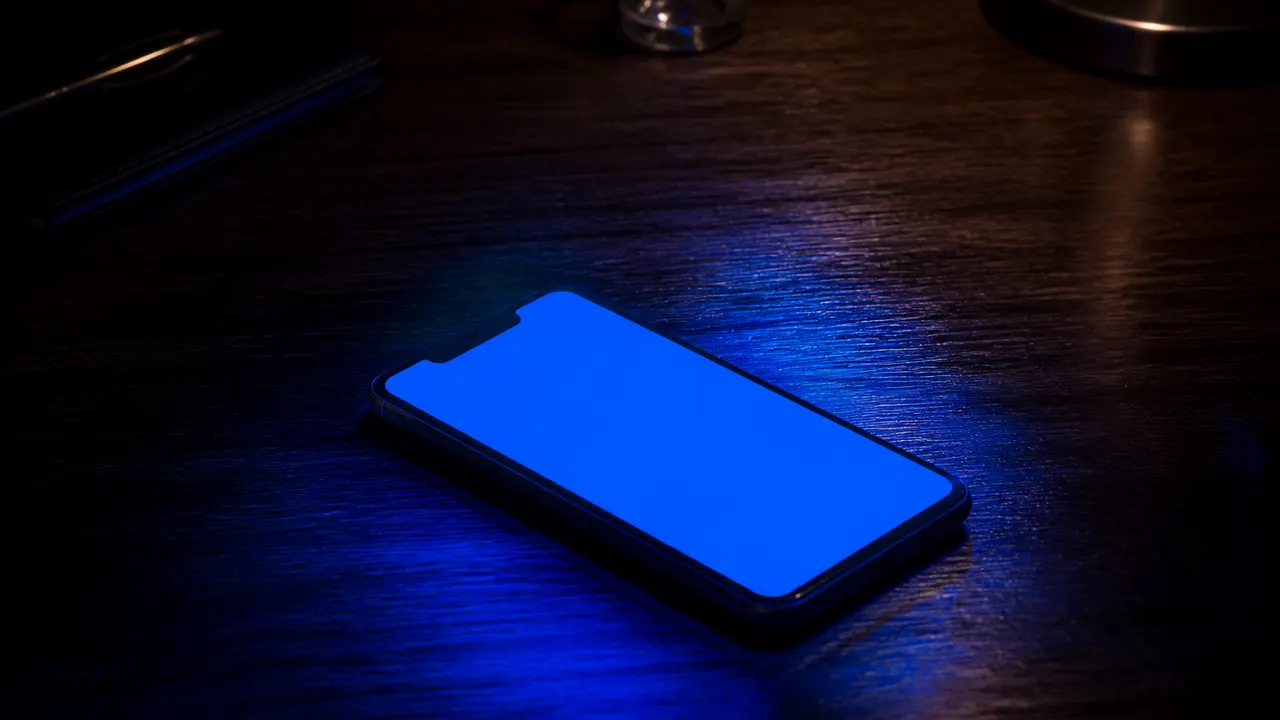
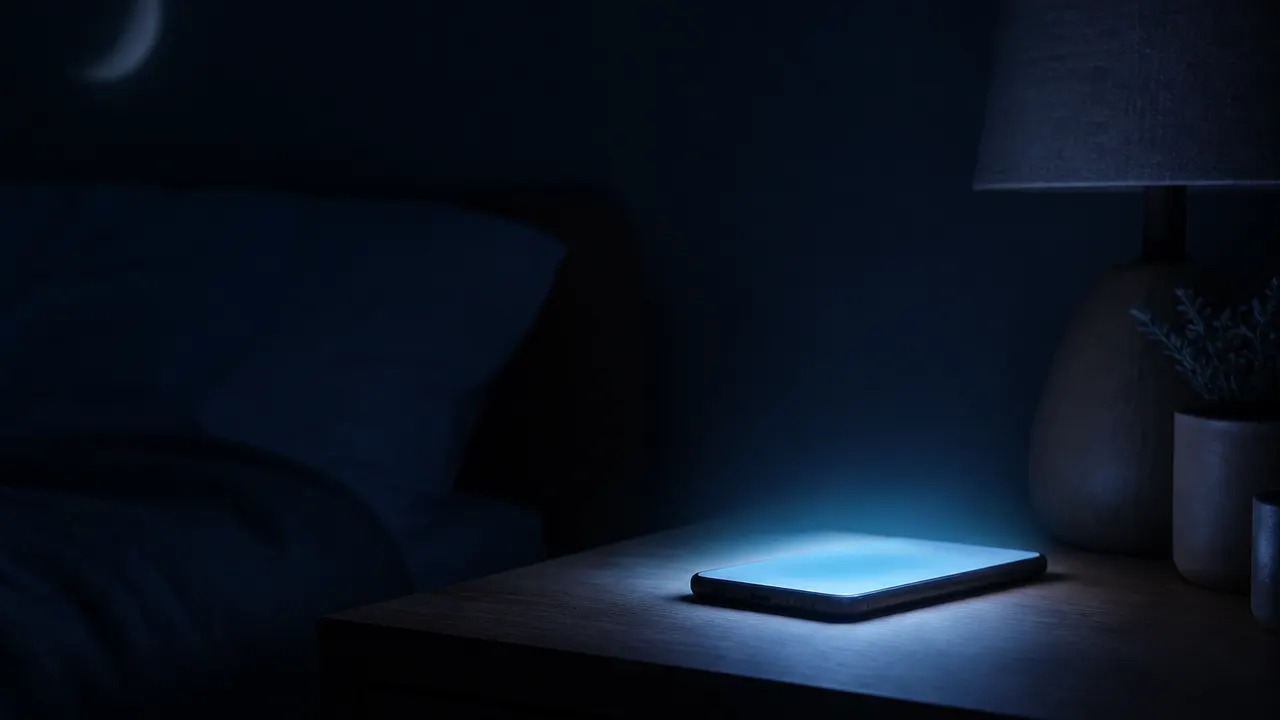
On many phones native fullscreen is blocked, so this page falls back to a layout that still covers the viewport. Landscape hides more of the address bar. Dim the room if you are filming; the blue field reads cleaner when the desk is dark.
Leave with Esc
Leave with Esc on desktop, or the browser back control on mobile. The fake Android update screen is only this tab. If a glow remains after you close it, that is your panel, not this tool. No kiosk mode, no extension, no APK.
Timer, start percent, and delay
People search for a fake Android update fullscreen with a timer because a bar that jumps to 100% in two seconds looks like a GIF.
Duration chips and custom minutes
Duration chips map to how long the remaining percent takes to climb. Custom accepts any minute count when one hour is not enough. If you want a hang, pick a long duration and leave it. There is no sound and no minutes-remaining line on this version.
Start from percent
Start from sets the first percent so the preview can already look mid-progress when someone walks in.
Start delay
Start delay exists so your hands are off the phone when someone walks in. Five seconds is enough to stand up. Ten seconds is enough to leave the room. Neither delay survives closing the tab.
Fake update versus malware and sideload scams
Search results for a fake Android update mix prank tools with scam write-ups. The dangerous pattern is a full-screen page that then tells you to install an APK, disable Play Protect, or call a support number.
Harmless overlay versus malware
This page never does those things. It does not copy text to the clipboard. It does not play a siren. A real Android update continues in the installer after you close the browser. This overlay does not.
Sideload prompts and the address bar
If you are teaching a class, put this tab next to Settings → System update and show both. The lesson is the address bar, not the bar fill.
Desk prank, video, and classroom
A short desk prank works if the other person can see you laugh it off.
Desk prank on a phone or laptop
The overlay is a webpage, so it runs on the phone or the laptop in the same tab. Match the skin to the joke: this blue Android field for a phone gag, and this site's fake Windows or Mac pages when the machine is a PC or a Mac.
Fake Android update video
Film and stream setups use the same fullscreen field as a busy prop. Capture the window if you need a fake Android update video. A PNG of a blue glow is not this tool's job; the job is the live bar.
Classroom
Teachers can show that Esc kills a webpage and does not kill a real update. Do not use the overlay to freeze someone off a deadline, fake an IT outage for money, or hide a real crash.

What this page will not do
This URL is only the fake Android update screen.
No real Android update
It will not patch Android, force an OTA, or unstick a phone that is actually installing. It will not run after you close the browser. It is not a recovery image you flash.
No installer, extra screens, or One UI skins
It will not speak, pop fake errors, or open other monitors as extra windows. Multi-screen popups are easy to block and easy to mistake for ads, so this version stays in one tab. Official Google or Samsung marks, an APK download, and Pixel or One UI theme pickers are also out.
Not a display test
It also does not replace display tests. Dead pixels still need the dead pixel test and solid colors on this site.
Fake Android update screen FAQ
What is a fake Android update screen?
A fake Android update screen is a browser overlay that copies the look of a phone installing a system update: a blue field, a white Android robot with a refresh mark, the Installing system update line, a percent, and a thin progress bar. This page is that overlay. Nothing is flashed to the device.
Does this install a real Android update?
No. The fake Android update screen never talks to Google, Samsung, or a carrier, never writes an APK, and never reboots the phone. Closing the tab ends it. If a site asks you to sideload a package or disable Play Protect, leave — that is not this tool.
Is a fake Android update screen a virus?
This one is not. Harmless prank pages only paint pixels in the tab. Malware pages tell you to install an APK, paste a command, or call a support number. This page does none of that. Esc or close the tab and you are done.
How do I use this fake Android update screen?
Open this page, pick a duration, optionally add a short start delay, then press Start fullscreen. Hand the phone or laptop back if you need to. Come back, press Esc, and show that it was only the browser. Keep the gag short and do not block real work.
How do I make it full screen?
Use Start fullscreen, or the corner control after the preview is focused. On a computer, F11 also works once the overlay has focus. On phones the same button uses a mobile fullscreen layout because many browsers block the native API.
How do I exit the fake update?
Press Esc. You can also leave fullscreen with the corner control, the browser back control, or by closing the tab. There is no lock and no password prompt. If a page will not let you leave, that is not this tool.
Can I start the progress in the middle?
Yes. Use Start from to pick a percent, then start. The bar walks from that number to 100 over the duration you chose. Restart puts it back at the same start percent.
Does this work on a computer or an iPhone?
Yes. The overlay is a webpage. It does not need an Android phone. On a computer it fills the display. On an iPhone it fills the tab as far as Safari allows. Landscape usually hides more of the browser chrome.
Is this an official Google or Samsung page?
No. Google and Samsung did not make this tool. The mark on the overlay is decorative. A real update still goes through Settings and the vendor's installer. This page is not Pixel settings, not One UI, and not recovery mode.
Can I download an APK or app?
No. There is nothing to download. A file that claims to be this prank as an installer is a different site. Do not run it.
Why would someone use a fake Android update screen?
Desk gags, stream overlays, and teaching people to spot a pretend update. Use it on a device you own or have permission to use. Do not lock someone out of work or school.
Will this force a phone update or unstick a device stuck on the update screen?
No. This page cannot force a real Android update, skip a freeze, or repair a phone that is actually installing. A device stuck on a real update needs the vendor's own steps. Closing this tab only closes the prank.
Does this look like a Samsung Galaxy or One UI update?
No. People search for a fake Android update screen Samsung because Galaxy phones are common desks. This overlay is a blue install frame with a decorative Android mark. It is not One UI, not Settings, and not a Samsung wordmark. If the joke needs a Galaxy settings page, this URL is the wrong prop.
Can I pick Android 15 or Android 16 on the overlay?
Not on this version. There is no version chip and no Pixel or Bootloader theme picker. The field stays the same install frame. Duration and Start from only change how the bar walks. A site that asks you to sideload an Android 15 package for the gag is a different page.
Is this the same as Update Faker for Android?
It is the same job: a browser fake software update for a phone-shaped install screen. This URL is the whitescreen.im version. There is no APK and no separate app. If another site asks you to run an installer to get the gag, leave.
Does this show a fake Android update error screen?
No. This overlay stays on the installing frame. It does not pop a fake error, a failed OTA, or a recovery wipe. If you need a crash look, this site's blue-screen pages are a different URL.
Can I run a fake Windows update screen on Android?
Yes. The Windows 10 and Windows 11 pages on this site are also browser overlays, so they run on a phone the same way this Android field does. This URL is the Android-style install frame. Use the Windows skins when the joke is a PC, not a phone.
