
Video call fill light
Zoom Lighting
Turn the display into a soft fill light for Zoom, Teams, and Meet. Drag from warm 1500K to cool 8500K, then go fullscreen. Press F or Esc to leave. No lamp, no account, no download required to use the light.
Zoom lighting features
Zoom lighting on this page is the monitor itself. The preview starts at 3300K and can move from a candle-warm 1500K to a cool 8500K in steps of 50K. The RGB numbers are the color on the screen right now. This page does not join a meeting and does not change Zoom, Teams, or Meet settings. A saved temperature stays in this browser, so the next Zoom lighting session opens on the same color.
A fill light, not a blank white page
The homepage white screen is a fixed white field. Bright White Screen is the same idea with a few named tones. This URL is the kelvin slider, so a warm room and a daylight window are not stuck on the same color.
Nothing to install
The light is this tab. Close the tab and it is gone. The last temperature stays in this browser so the next call opens where you left it.
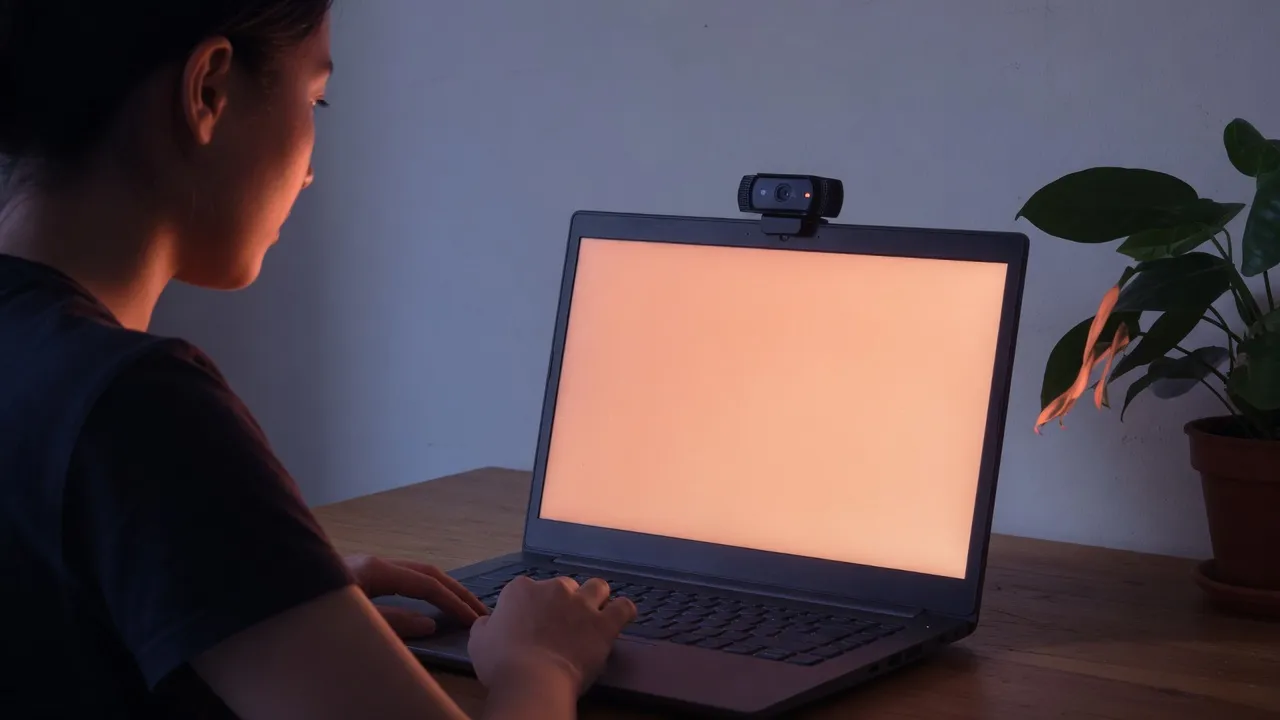
How to use Zoom lighting
- 1
Set the temperature
Start at 3300K. Warm 3000K, Office 4000K, Stream 5000K, and Daylight 5500K are the four presets. The slider still moves in 50K steps if none of those match the room.
- 2
Open fullscreen
Click the preview, the corner icon, or Start fullscreen. Then raise the laptop or phone brightness. The page slider only darkens the color; it cannot outshine the device.
- 3
Leave with Esc
Esc, or the corner icon again, brings the page back. The light does not keep running after you close the tab.
Put the glowing display in front of you or a little to one side, near camera height. A screen below the chin throws light upward and makes the face look harsh. Keep the bright panel out of the camera frame if you do not want a rectangle behind you. For Zoom lighting, the useful check is your own camera preview: if the cheek away from the screen is still dark, move the panel closer or raise the device brightness before you change the kelvin again.
Page brightness only darkens the color inside the browser. It cannot make the panel brighter than the laptop, monitor, or phone already is. If Zoom lighting still looks dim at 100%, the limit is the device slider in the operating system, not this page.
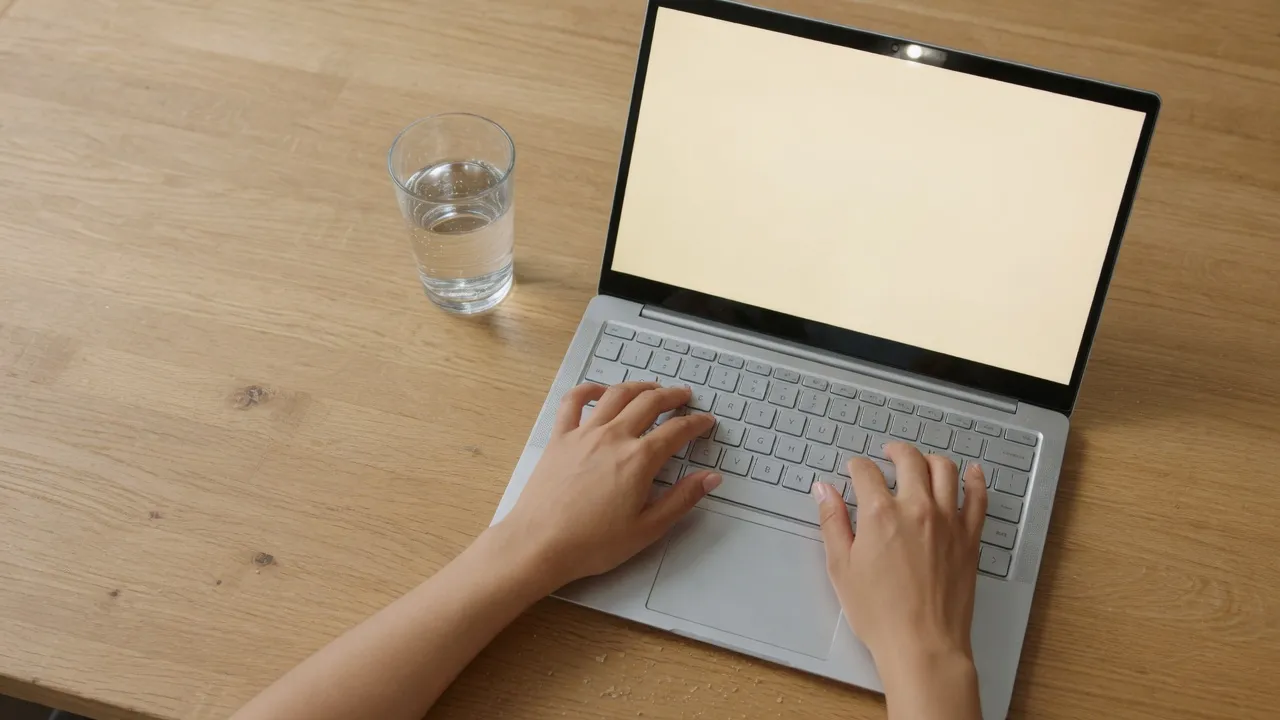
Fullscreen for the call
The bezel and the side card are not part of the light. Fullscreen is what makes the display one panel.
Desktop
F also enters fullscreen when the cursor is not in the kelvin box. Esc leaves. The corner icon hides until you move the pointer, so it does not sit in the light.
Phone
The same fullscreen button works in a mobile browser. Turn the phone sideways for a wider panel. Device brightness still decides how strong the light is.
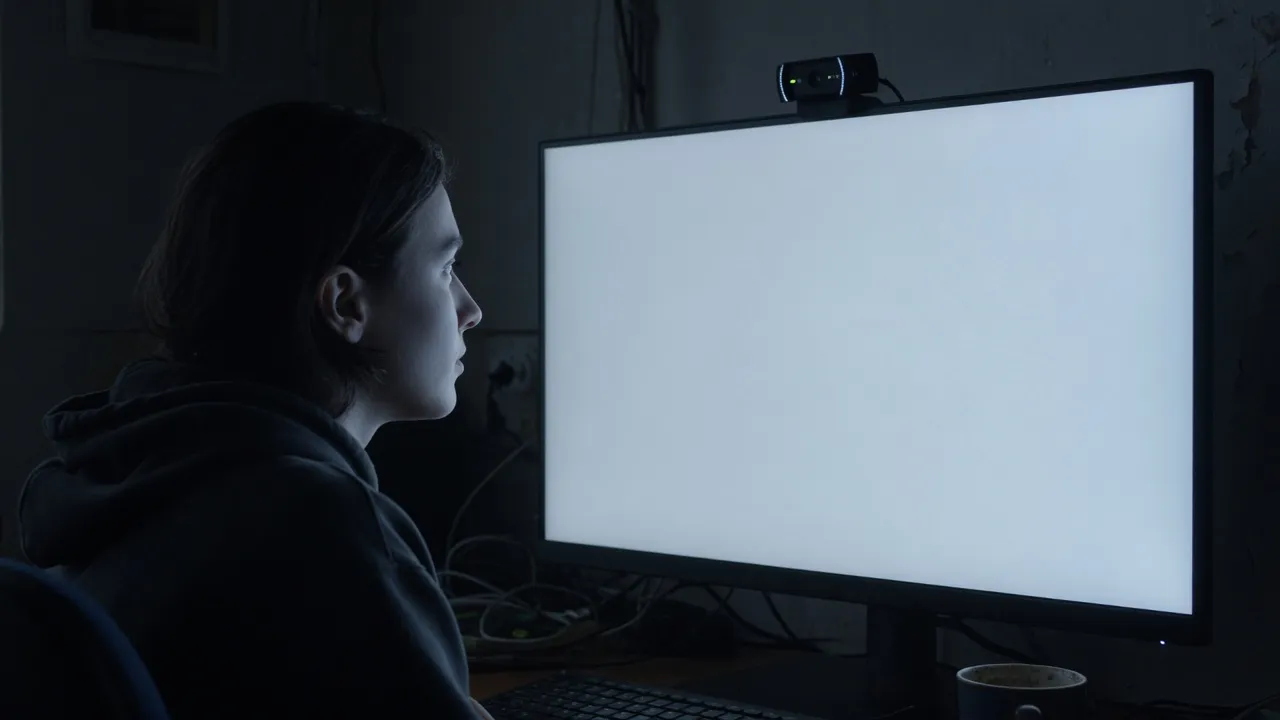
Zoom lighting use cases
Use the live page as the light. The download is only a flat PNG of the current temperature, not a second Zoom lighting mode.
A warm room with yellow lamps usually needs less orange from the screen, so 3000K to 4000K is the first try. A bright window behind you is the opposite problem: the face goes dark while the background blows out, and 5000K or 5500K keeps the fill from looking muddy next to daylight. Neither preset replaces moving the screen. Zoom lighting from below the chin still looks wrong at any temperature.
Video calls
Warm rooms usually look less orange around 3000K to 4000K. A window behind you is easier to balance near 5000K or 5500K. Check your own camera preview, not the RGB numbers, to decide.
A phone on the desk
A landscape phone is a small panel when the laptop is the camera. It will not replace a large monitor. Download this light if you only need a still of the color at 720p, 1080p, 2K, or 4K.
What this page will not do
This URL is only a screen fill light.
Not a meeting client
It will not open Zoom, Teams, or Meet, and it will not change their settings. For a fake meeting picture, use the fake video call pages on this site.
Other monitors need a click
Open on all screens places this same color on each other monitor. The browser has to allow pop-ups, and the screen permission is a Chromium feature. Phones do not have that API.
Not a ring-light product
It will not sell or control a physical ring light. The lamp is the display in front of you.
Zoom lighting FAQ
What is Zoom lighting? ▾
A browser fill light for video calls. The screen shows one even color so the display lights your face. It does not join the meeting.
What color temperature should I use? ▾
Start at 3300K. Switch to Warm 3000K, Office 4000K, Stream 5000K, or Daylight 5500K if the face looks too orange or too blue next to the room.
Where should I put the screen? ▾
In front of you, or a little to one side, near camera height. A light from below the chin looks harsh. Fullscreen hides the rest of the page.
Does this work on a phone? ▾
Yes. Set the temperature, enter fullscreen, and turn the phone sideways for a wider panel. Device brightness still sets how strong the light is.
Is a long session safe for an OLED screen? ▾
A short call is normally fine. For a long meeting, dim the page or take breaks. A static bright field left on an OLED panel for hours is harder on the screen than a few minutes of Zoom lighting.
Does Zoom lighting join my meeting? ▾
No. Zoom lighting only paints this browser tab. Open your meeting in another window or on another device, and point that camera at the lit screen.
Why does Zoom lighting look dim at 100%? ▾
The page slider stops at the brightness your device already allows. Raise the laptop, monitor, or phone brightness in the system settings, then come back to the kelvin slider.
Can I save the Zoom lighting color? ▾
Download this light saves a PNG of the current temperature at 720p, 1080p, 2K, or 4K. The file is a flat color. The call still uses the fullscreen page, not the picture.
Is Zoom lighting the same as a white screen? ▾
No. The homepage is a fixed white field for cleaning, dead pixels, and a plain light. Zoom lighting is the kelvin range, from warm 1500K to cool 8500K, for a face on a video call.
Will Zoom lighting open on my other monitors? ▾
Yes, from Open on all screens. Each other monitor gets a window filled with the current color. Allow pop-ups if the browser blocks it. That control is for desktop Chromium, not for a phone.
