White Screen.im

Magenta Screen

Click fullscreen or press F for full screen mode

What is a magenta screen?

A magenta screen fills the browser with the digital color #FF00FF, or RGB 255, 0, 255. On an RGB display, that value turns the red and blue channels fully on while the green channel stays off. The result is a highly saturated pink-purple field that is useful for quick display checks, color comparison, creative backgrounds, and image output.

This page is intentionally different from the softer Pink Screen. Pink is better for pastel visuals and gentle fill light; this magenta screen starts from the exact web color used in RGB and CMY test sets. It is a visual aid rather than a professional calibration instrument, and it cannot diagnose or repair hardware by itself.

Magenta screen features

Pure #FF00FF display

Start with digital magenta at RGB 255, 0, 255, then enter another HEX value when you need a custom shade.

Desktop and mobile fullscreen

Use native fullscreen where supported and the site's iOS-friendly pseudo-fullscreen fallback on touch devices.

Pixel grid and brightness

Add a grid to scan small areas systematically and lower brightness when a saturated magenta field feels too intense.

Local PNG download

Generate a solid magenta image in 1080p, 2K, 4K, 8K, or custom dimensions directly in your browser.

How to use a magenta full screen

Use the magenta full screen in three short steps. For a reliable visual check, keep the room free of strong reflections and compare more than one color before drawing a conclusion.

Red and blue display channels combining into a pure magenta field

Step 1

Open the pure color

Leave the default #FF00FF value in place for a standard magenta screen color, or enter a specific HEX code for your project.

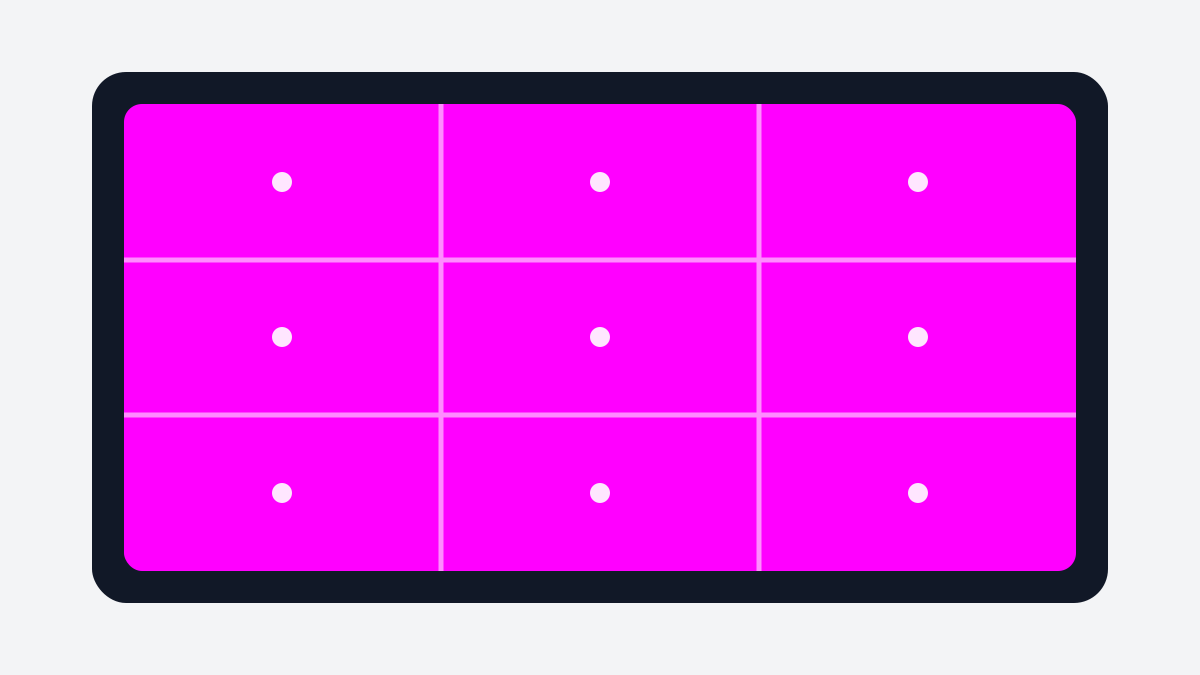
Magenta fullscreen monitor divided into zones for a uniformity scan

Step 2

Enter fullscreen and inspect

Click the display or fullscreen button, then scan the center, edges, and corners for dots, tint changes, or uneven brightness.

Magenta screen background prepared for display testing and image output

Step 3

Compare or download

Compare magenta with red, blue, cyan, white, black, and gray, or save a clean PNG at the dimensions you need.

Magenta screen color: HEX, RGB and CMY

The default magenta screen color is #FF00FF. Its RGB channels are red 255, green 0, and blue 255. In additive screen color, magenta is created by combining red and blue light. In the subtractive CMY model used for inks, magenta is one of the primary components alongside cyan and yellow.

A browser can request the exact digital value, but it cannot guarantee that two physical displays will look identical. Panel technology, color profile, gamut, HDR, brightness, viewing angle, ambient light, and accessibility filters all affect what reaches your eyes. If exact color reproduction matters, use a colorimeter and a controlled workflow rather than relying only on this magenta screen.

Practical magenta screen uses

Red and blue channel check

Pure magenta drives the red and blue channels while leaving green at zero. Compare it with pure red and pure blue to look for a weak channel or an unexpected green cast.

Dead or stuck pixel scan

A dark dot that remains dark across several solid colors may be a dead pixel. A dot that changes oddly between magenta, cyan, red, green, and blue may be stuck, but a browser test cannot repair hardware.

Creative background

Use a magenta screen background for product shots, video transitions, digital art references, event displays, or a bold second-monitor canvas.

Color comparison

Place a trusted physical sample or another calibrated display nearby to compare hue. The web value is exact, but the color you see still depends on the panel and its settings.

Tips and limitations for accurate checks

Disable color-altering modes

Turn off Night Shift, Night Light, True Tone, forced HDR, and adaptive color before judging the hue. These modes can make a magenta screen look warmer, cooler, or less saturated.

Clean the display first

Dust and fingerprints can look like dark pixels on a bright field. Clean the surface safely, then repeat the check before deciding that a panel has a defect.

Compare more than one color

Magenta alone is not a complete monitor test. Use red, green, blue, cyan, white, black, and gray to separate subpixel problems from reflections and uniformity issues.

Keep sessions comfortable

A fully saturated magenta screen can feel intense at high brightness. Reduce brightness for ambient use and avoid leaving a static bright field on an OLED display for long periods.

Magenta Screen FAQ

What is a magenta screen used for?

A magenta screen is used for red-and-blue channel checks, dead or stuck pixel inspection, color comparison, and vivid creative backgrounds. This tool shows a uniform browser-generated color and can also export it as a PNG.

What is the HEX and RGB value of pure magenta?

Pure web magenta is #FF00FF, or RGB 255, 0, 255. It combines full red and blue output with no green output, although the visible result still depends on your display profile and hardware.

Is magenta a secondary color?

Yes, magenta is a secondary color in the additive RGB display model because red and blue light combine to produce it. In CMY printing, magenta is treated as one of the primary ink colors, so the answer depends on the color model.

How do I open the magenta full screen?

Click the large magenta display or its fullscreen button. On desktop, press F as a shortcut and Esc to exit; on iPhone and some mobile browsers, the site uses a browser-safe pseudo-fullscreen mode when native fullscreen is unavailable.

Can I use the magenta screen on an iPhone or Android phone?

Yes. The magenta screen works in modern mobile browsers. Browser controls may not disappear completely on every iOS version, but the mobile fallback expands the color field and hides the site's own header while it is active.

Can a magenta screen help find dead or stuck pixels?

Yes, it can help reveal pixels that do not match a uniform magenta field. Confirm any suspicious dot with red, green, blue, white, and black screens because dust, reflections, and individual subpixel faults can look similar on one color.

What is the difference between a magenta screen and a pink screen?

A magenta screen normally means the saturated digital color #FF00FF, while a pink screen usually uses a lighter, softer shade such as #FFC0CB. Choose magenta for channel testing and bold backgrounds; choose pink for gentler lighting and pastel visuals.

Can I download a magenta screen background?

Yes. Choose a preset resolution or enter custom width and height values, then download a solid PNG. The file is generated locally in your browser and can be used as a wallpaper, background, reference image, or offline test field.

Why does pure magenta look purple, pink, or uneven on my display?

Display profiles, Night Shift or Night Light, HDR, viewing angle, panel uniformity, brightness, and camera white balance can all change how magenta appears. Disable automatic adjustments and compare another device before treating a difference as a fault.

Is this a professional monitor calibration tool?

No. This magenta screen is a visual browser utility, not a colorimeter or laboratory calibration pattern. It is useful for quick inspection and comparison, but accurate calibration requires measurement hardware and controlled settings.

Is the magenta screen free and private?

Yes. The screen, controls, and PNG generator are free to use without an account or file upload. The solid image is created by your browser; the tool does not need access to your photos or documents.

Open the magenta screen again

Return to the tool to enter fullscreen, compare the color, show the pixel grid, or download a magenta screen background.

Back to Magenta Screen

Related display tools and guides