
White Noise Screen
TV static plus looping hiss, then start fullscreen. Esc to leave.
Fullscreen TV static and white noise
Hiss is pausedStarting in 5
More screens
What is a white noise screen?
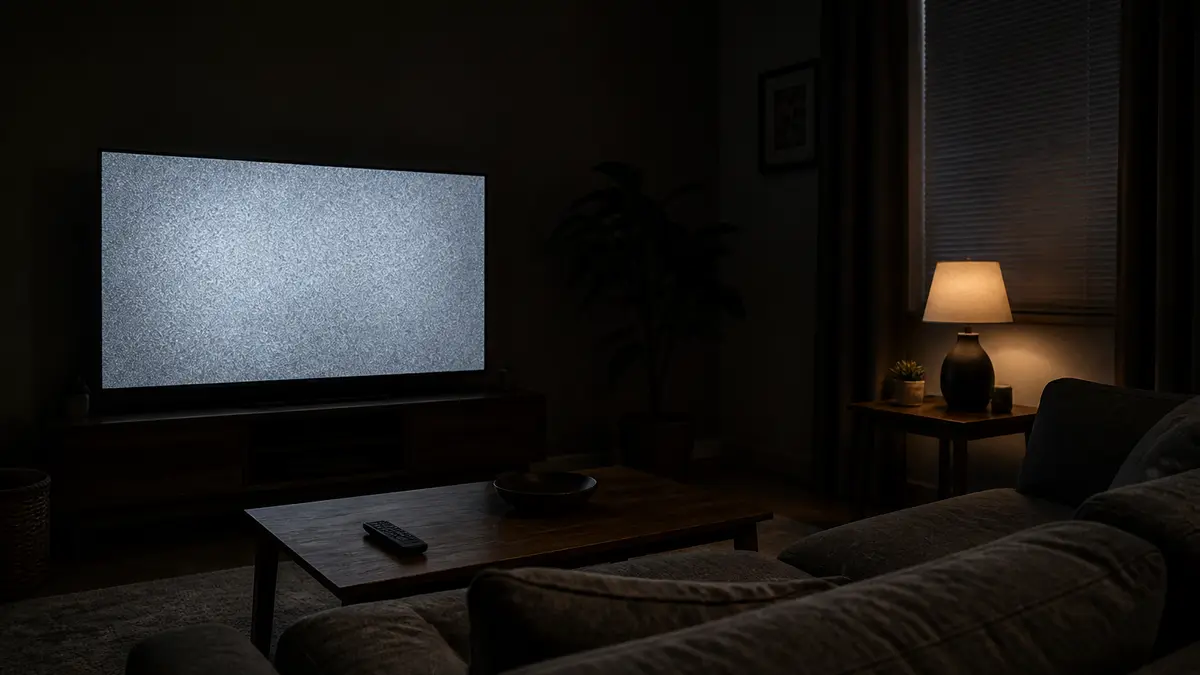
A white noise screen puts TV snow on the display and a steady hiss in the speakers. People search for screen noise, white noise white screen, or black screen white noise when they want both at once. This page is that pair in a browser.
Static plus hiss, not a blank color
The homepage white screen is a solid field. The static screen on this site is snow without sound. This URL is the snow and the hiss together.
Generated in this tab
Nothing is installed. Closing the tab ends the audio. The spectrum in the side card moves when the hiss is live.
How to use the white noise screen
- 1
Optional start delay
Use 5 or 10 seconds of delay if you need time to put the laptop down or face the room.
- 2
Play or start fullscreen
Press Play to hear the hiss in the preview, or Start fullscreen to fill the display. The first click also unlocks audio in the browser.
- 3
Pause or leave
Pause fades the hiss out. Esc exits fullscreen. Close the tab and the overlay is gone.
The snow is a looping GIF in this tab. The hiss is a looping Web Audio buffer, not a downloaded track. Restart rebuilds the buffer without reloading the page.
Start delay is only a countdown before the first run. After it hits zero, the overlay runs until you pause or leave.
If a phone keeps the address bar, rotate to landscape. That is a browser limit, not a broken overlay.

How to run the white noise screen fullscreen
Browser chrome is the usual giveaway. Start fullscreen, or press F11 once the preview is focused.
Phone and landscape fallback
On many phones native fullscreen is blocked, so this page falls back to a layout that still covers the viewport. Landscape hides more of the address bar.
Leave with Esc
Leave with Esc on desktop, or the browser back control on mobile. The hiss is only this tab. If a glow remains after you close it, that is your panel, not this tool.
Masking, focus, and a short desk gag
A hiss works if you can turn it off as fast as you turned it on.
Masking and focus
Use a moderate volume to cover chatter or traffic. The spectrum confirms the tab is still playing. Do not leave a loud hiss on a shared speaker without asking.
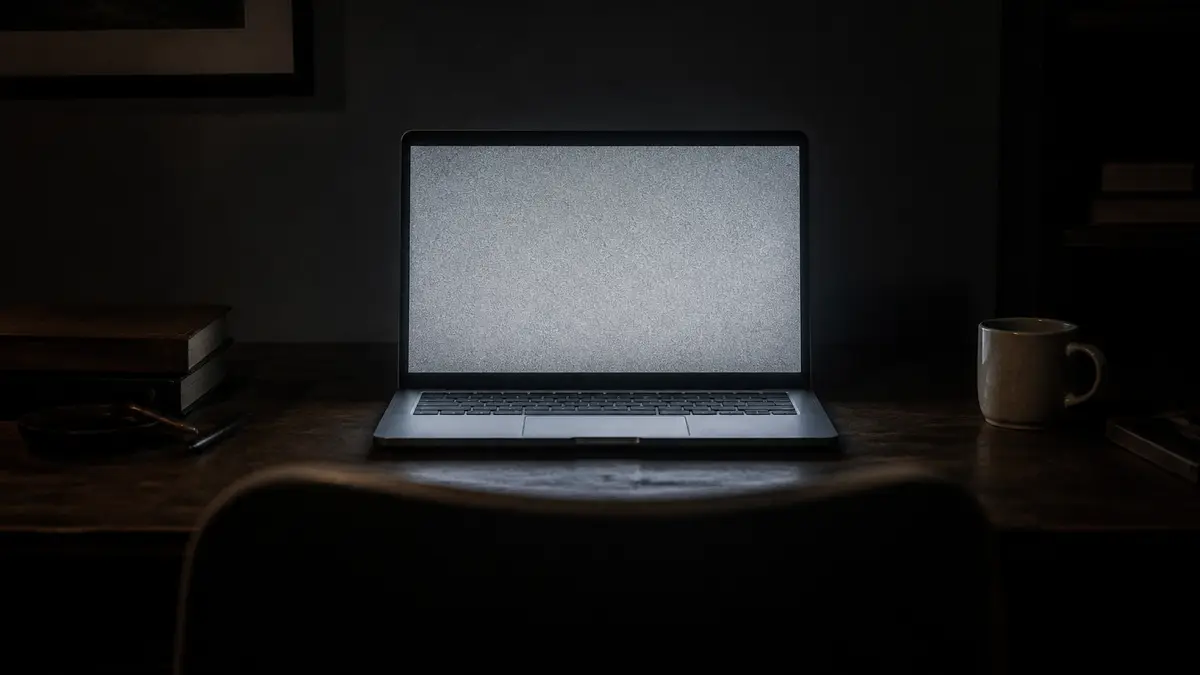
Desk gag on a laptop or TV
Start delay gives you time to stand up. Keep it short and laugh it off. A page that then asks for a phone number or a download is a different site.

What this page will not do
This URL is only a white noise screen.
Not the silent static screen
It will not stay quiet. If you need snow without sound, use the static screen on this site.
Not a solid white or black page
Lighting and dead-pixel checks stay on the color screens. Pair a black page in another tab if you want a dark field with this hiss.
No file and no extra screens
It will not install an app, pop another monitor, or play a siren. Multi-screen popups stay off. Brown and pink noise are not on this URL.
White noise screen FAQ
What is a white noise screen? ▾
A white noise screen is TV-style static on the display plus looping white noise from the browser. You get both the snow and the hiss in this tab. It is not a solid white page and it is not this site's silent static screen.
Is this the same as the static screen? ▾
No. The static screen on this site is visual only. It does not play audio, which keeps it usable in a quiet room. This URL adds the hiss. Use static screen when you only need the snow. Use this page when you need sound.
Is this the same as the white screen? ▾
No. The white screen at the homepage is a solid color for lighting, cleaning, and display checks. This page is grain plus audio. If you wanted a blank white field, stay on the homepage.
How do I use this white noise screen? ▾
Press Play to start the hiss, or Start fullscreen to fill the display. Use the volume slider. Pause fades the audio out. Esc leaves fullscreen. Close the tab and both the snow and the hiss are gone.
How do I make it full screen? ▾
Use Start fullscreen, or the corner control after the preview is focused. On a computer, F11 also works once the display has focus. On phones the same button uses a mobile fullscreen layout because many browsers block the native API.
Why is there no sound yet? ▾
Browsers block audio until you click. Press Play or Start fullscreen. The spectrum bars move when the hiss is live. Check that this tab is not muted and that the volume slider is not at zero.
Can I play white noise online for free? ▾
Yes. The hiss is generated in this tab with Web Audio. There is no MP3 to download and no account. A file that claims to be this tool as an EXE or APK is a different site.
Is this a prank? ▾
It can be a short desk gag on a device you own. Keep the volume moderate and show the address bar when you reveal it. Do not use it to lock someone off work or school, and do not pass it off as a broken TV for money.
